
Here’s a detailed explanation of how web design and web development relate to each other, how they differ, and why it matters — including some clear examples to illustrate the concepts.
1. What is Web Design?
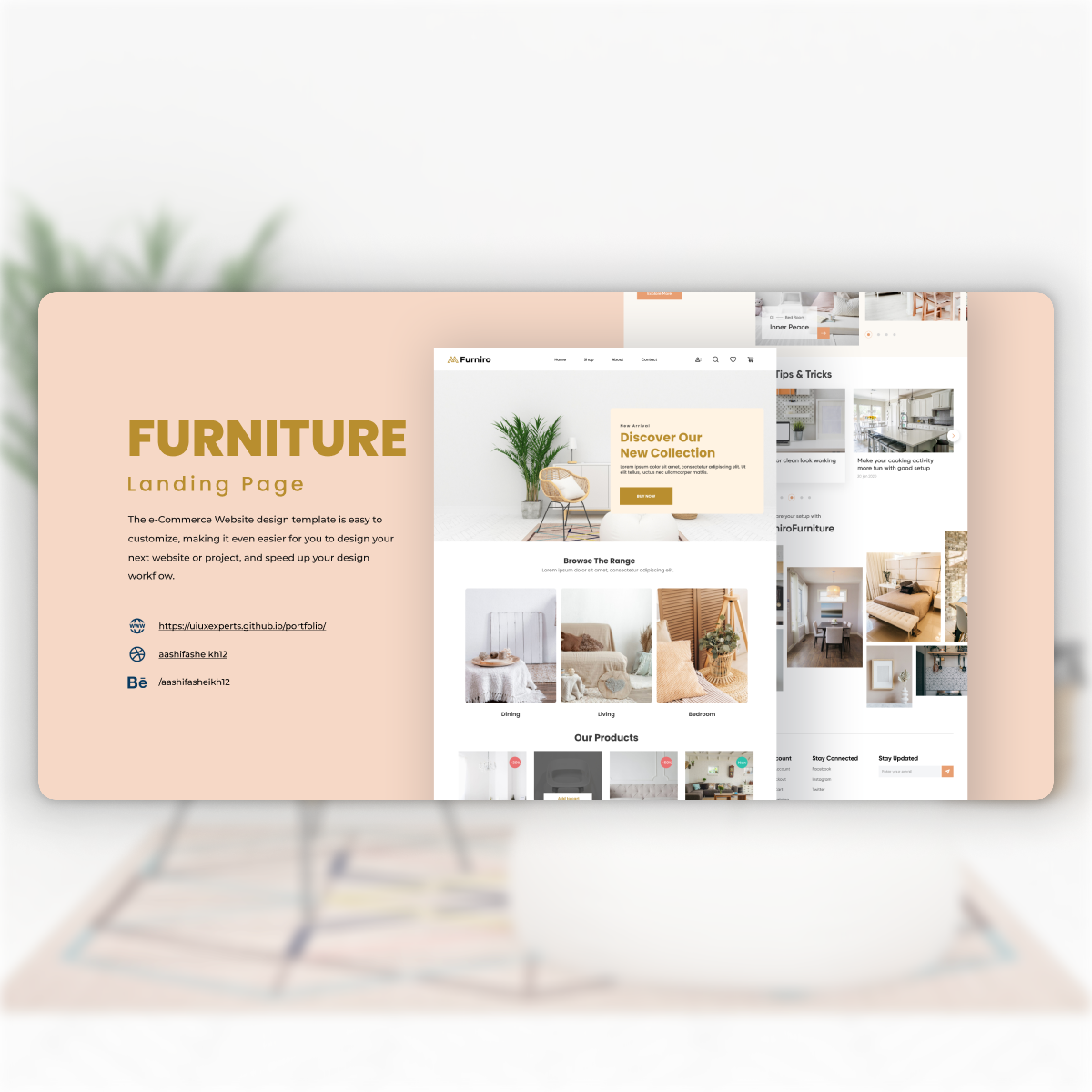
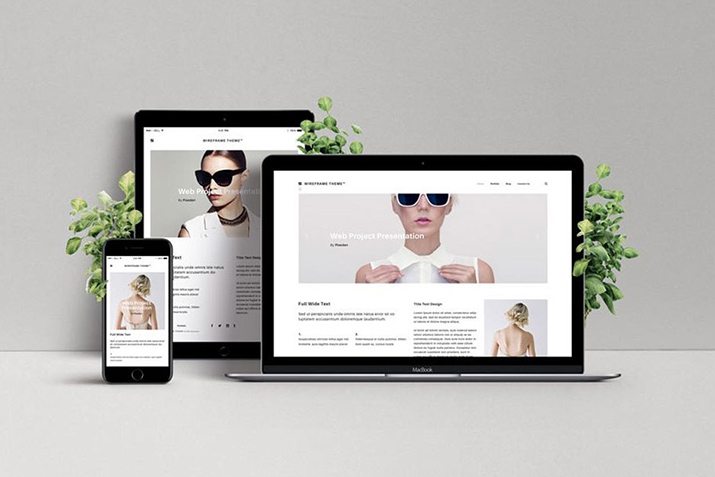
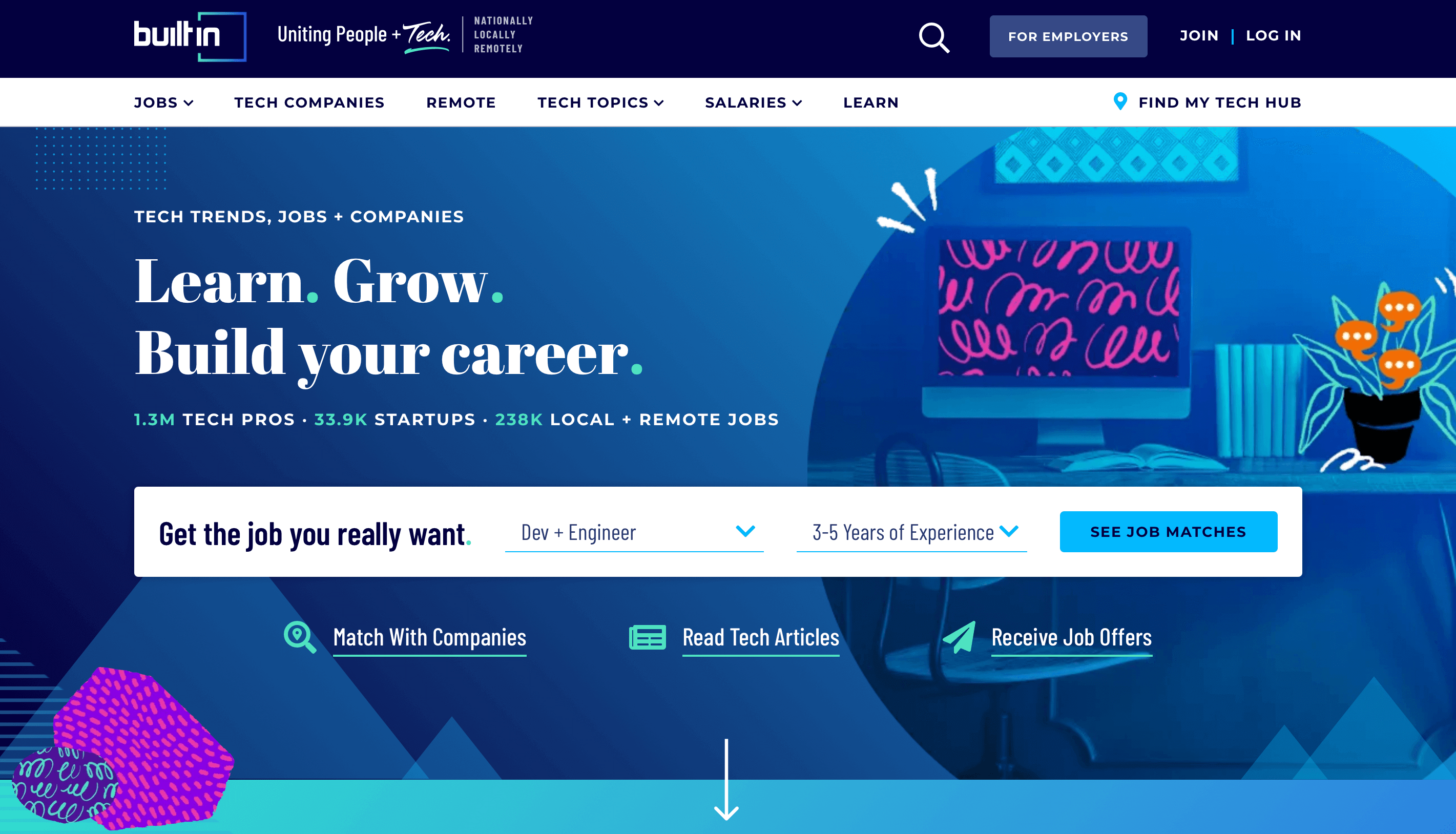
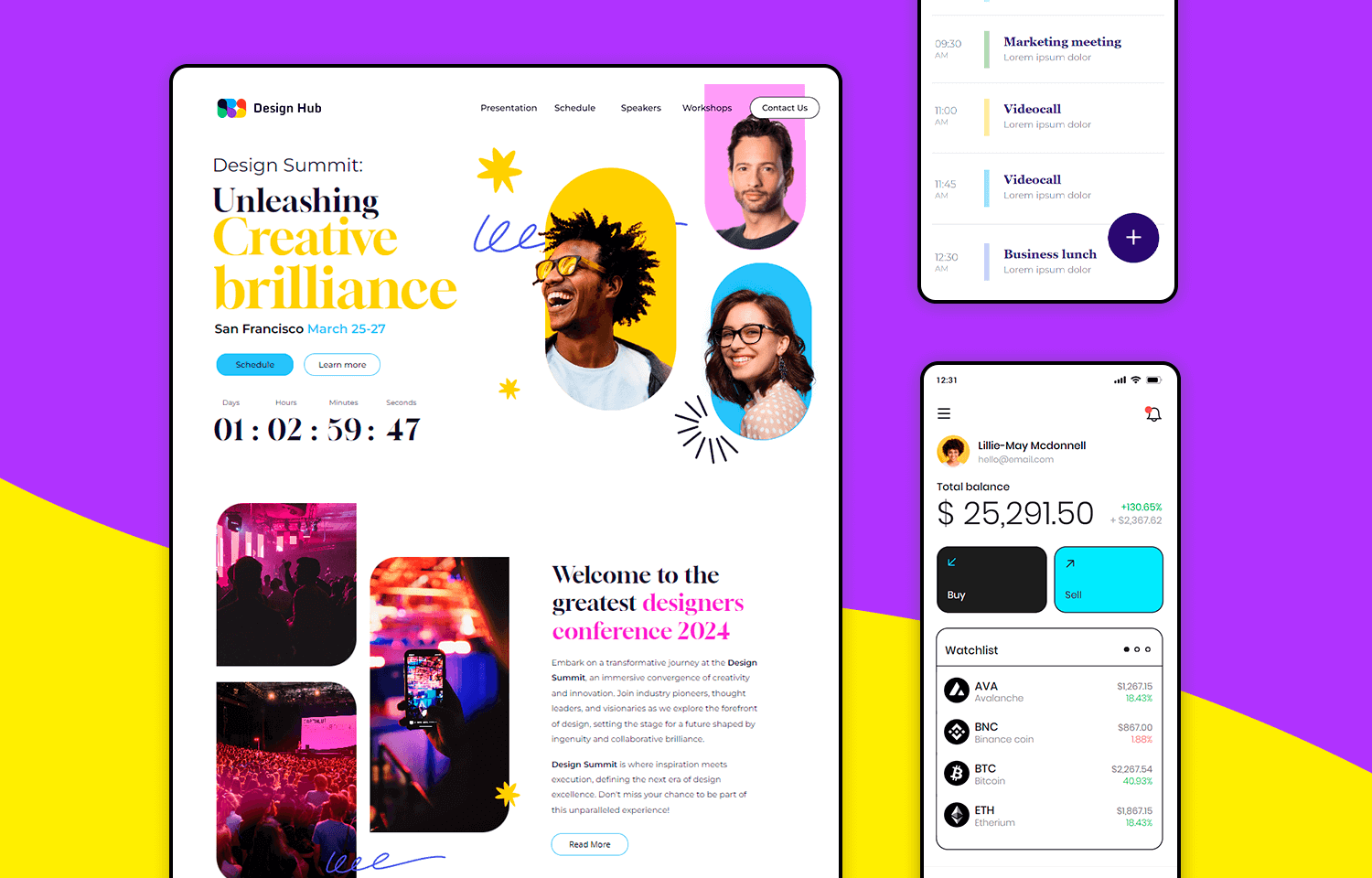
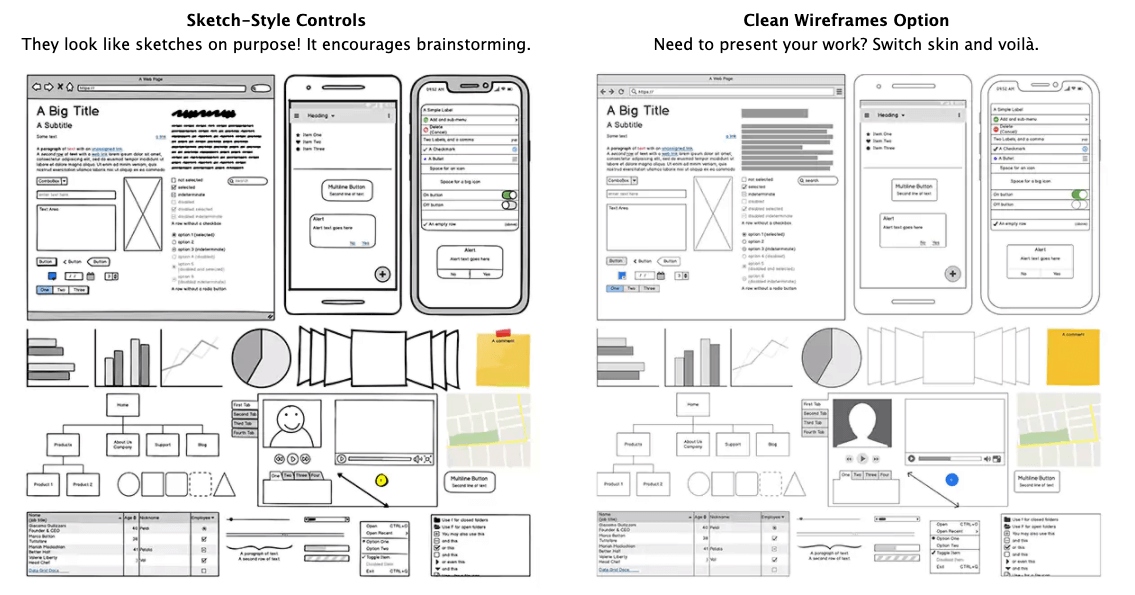
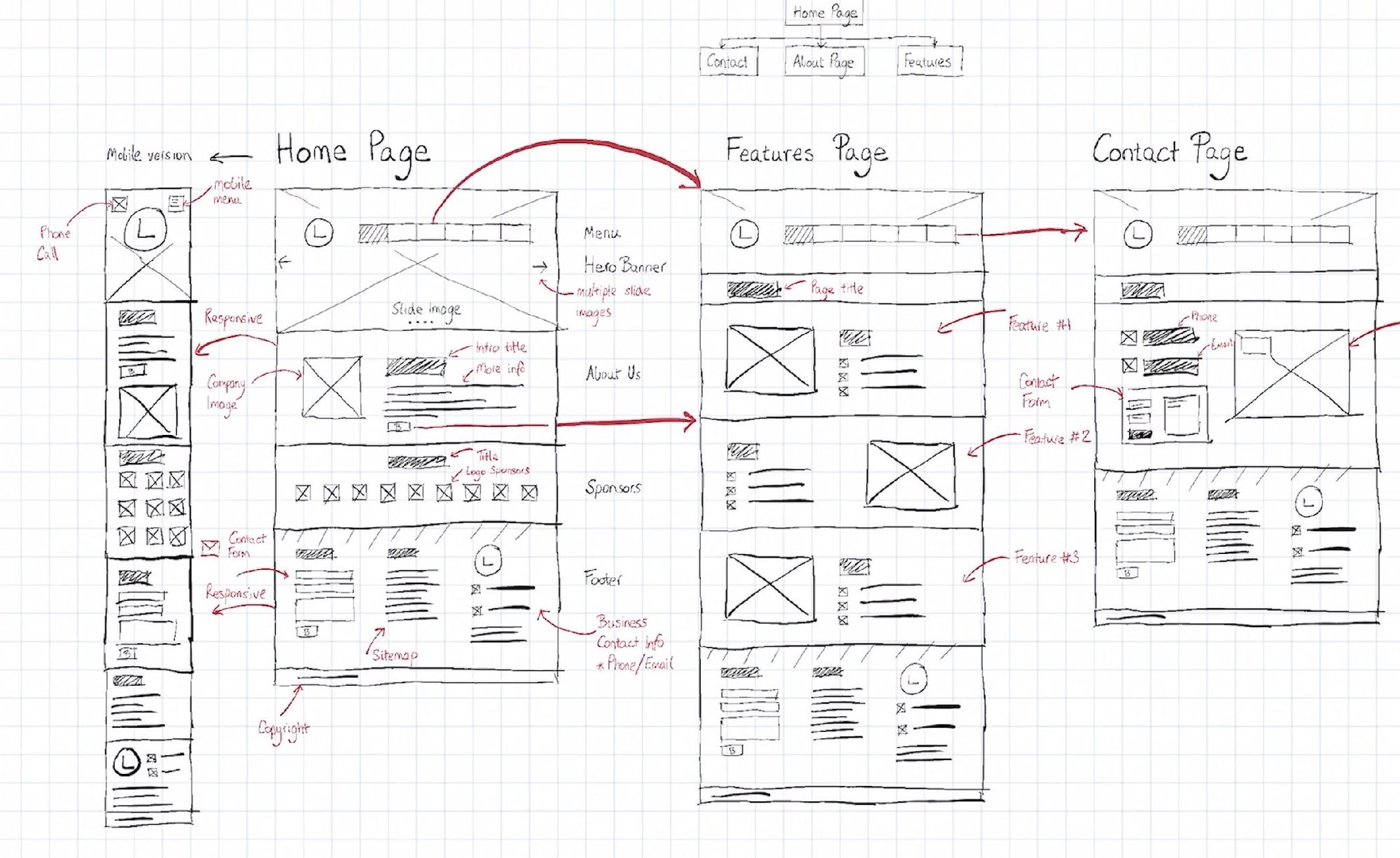
Web design refers to the process of defining how a website looks and how users experience it. This includes:
-
Choosing colour schemes, typography, imagery, layout of pages. (Indeed)
-
Working out the user interface (UI) and user experience (UX) — how easy it is for a visitor to find things, navigate, how readable the content is. (epiic.com)
-
Creating wireframes, mock-ups and prototypes of pages before the functional version is built. (Indeed)
-
Even though design has a technical component (e.g., responsive layouts, basic HTML/CSS awareness) the primary focus is visual and user-oriented, rather than building the full functionality. (HubSpot Blog)
Example: Suppose a business wants a website. A web designer might create a design showing the home page with the hero image, menu, buttons, colour palette, how the mobile version will look. They may produce a Figma file or Photoshop mock-ups. The designer isn’t (primarily) writing the database logic or server-side code — they’re shaping “how it should look and feel”.
2. What is Web Development?

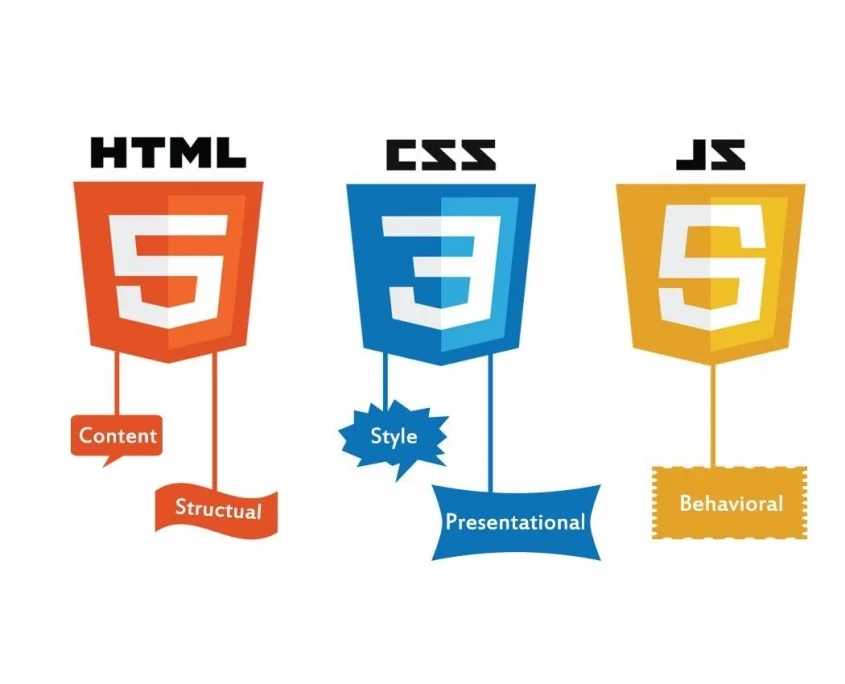
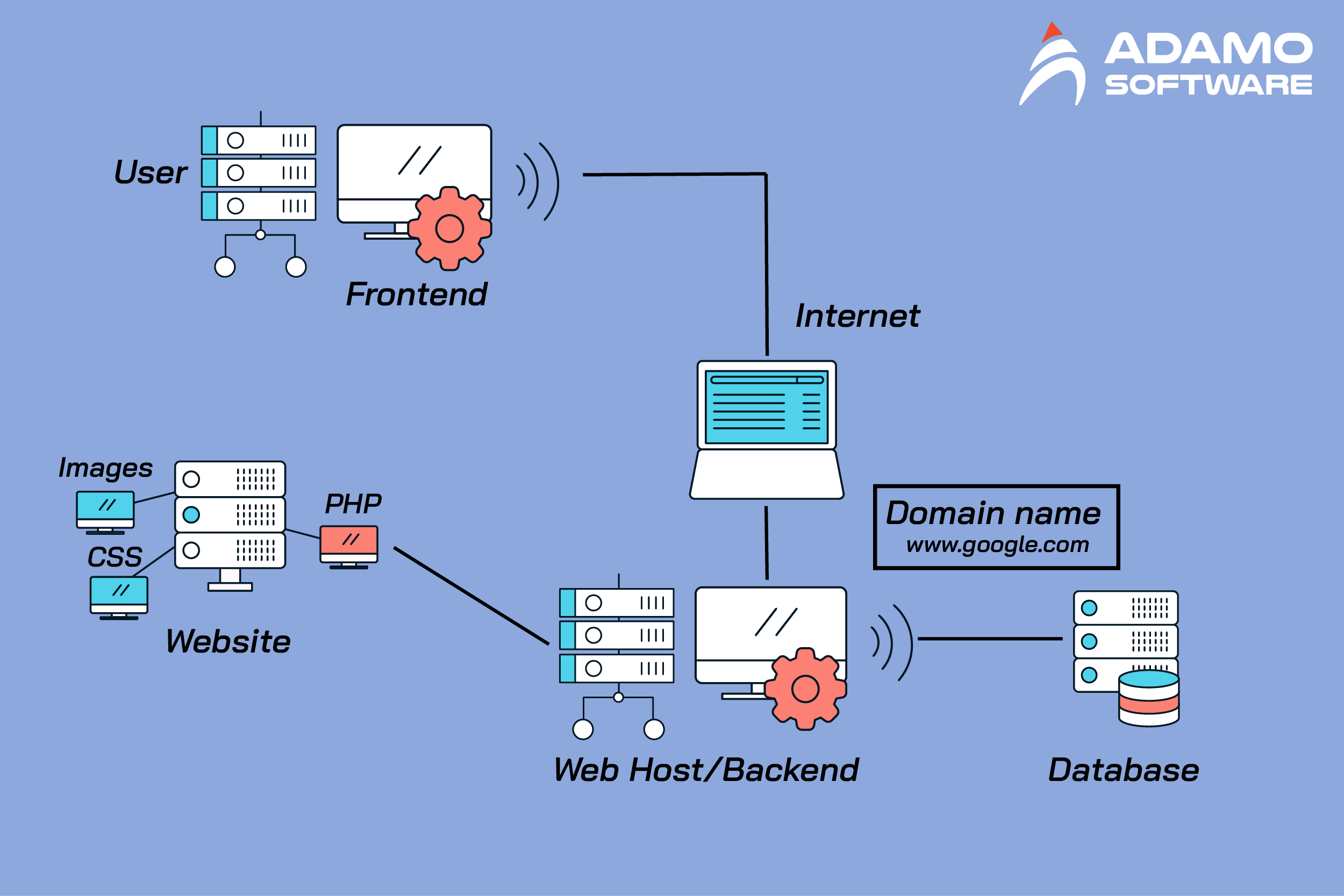

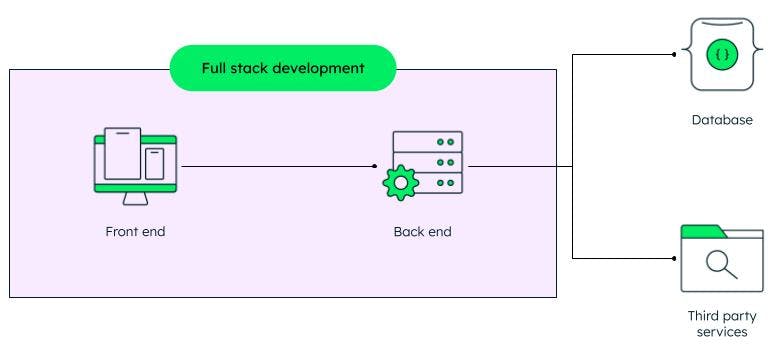

Web development is about building and maintaining the technical parts of a website so that it works. This includes:
-
Front-end development: Implementing the design (HTML, CSS, JavaScript) so that the site renders on user’s browser, responding to clicks, mobile vs desktop, animations, etc. (Fiverr Blog)
-
Back-end development: Setting up servers, databases, APIs, handling business logic, authentication, data processing, etc. (HubSpot Blog)
-
Dealing with website performance, security, cross-browser compatibility, connecting the front end with the back end. (Digitalfren)
-
Deploying the website (choosing hosting, domain, configuring servers) and maintaining/updating it.
Example: Once the designer hands over the mock-ups, the developer takes those, writes the code: the navigation menu works, when a user clicks “Buy now” it triggers logic, the data is stored in database, the site is responsive, fast, secure. If there’s a blog section, the developer builds a CMS or uses an existing one and connects it to the layout.
3. Are they the same?
Short answer: No, they are different but closely related and often overlap.
-
They focus on different things: design = look & feel & usability; development = making it work and live. (HubSpot Blog)
-
They require different skill sets: designers lean toward visual design, typography, user psychology; developers lean toward programming, logic, systems. (GeeksforGeeks)
-
They collaborate: A website usually needs both a designer and developer (or someone who can do both) to produce a functional, attractive site. (Upwork)
For instance, the site of a cafe might look beautiful (thanks to design), but if the “Order Online” button doesn’t work or mobile layout breaks — that’s a development issue.
4. Key Differences (Side-by-Side)
Here’s a comparison table adapted from multiple sources:
| Aspect | Web Design | Web Development |
|---|---|---|
| Primary goal | Visual aesthetics, user experience (UX/UI) | Functionality, structure, performance |
| Main tasks | Layouts, colour, typography, wireframes, prototypes | Writing code (front end/back end), integrating servers, database, APIs |
| Typical tools | Figma, Adobe XD, Photoshop, Sketch, wireframe tools | HTML/CSS/JS, frameworks (React, Angular), server-languages (PHP, Python, Node), databases |
| Deliverables | Mock-ups, design files, user flow diagrams | Working website/app, backend systems, live code, deployment |
| Example output | A design showing how the homepage looks on mobile/desktop | A live website where users can login, buy products, view pages, interactive features |
| Cost/complexity | Often lower cost (less coding) (epiic.com) | Usually higher cost/complexity (code + infrastructure) (Adobe Commerce Extensions) |
5. Why the distinction matters
-
Choosing who to hire: If you just need a new look, maybe a designer. If you need web shop functionality, complex features, you need a developer (or both). (Fiverr Blog)
-
Clarifying roles in a team: In big projects you might have UI/UX designers, front-end devs, back-end devs. Understanding where design ends and development begins helps manage workflow.
-
Estimating cost/time: Design often takes less time and cost than full development. If someone offers a “cheap website” ask: was the development included? (epiic.com)
-
Maintaining the site: After a website is live, ongoing development (fixing bugs, adding features) is different from just tweaking design.
6. Real-world Example to illustrate
Imagine a business wants an e-commerce site.
Web Design phase:
-
Designer creates sitemap: Home → Shop → Product page → Cart → Checkout.
-
Designer sketches wireframes: where image goes, where “Buy Now” button is, how navigation behaves on mobile.
-
Designer chooses brand colours, font styles, icons, imagery, ensures user flow is smooth (e.g., product search is easy).
-
Provide mock-up in Figma showing desktop + mobile versions.
Web Development phase:
-
Developer takes mock-up, writes HTML/CSS to reproduce layout.
-
Adds JavaScript to handle image carousel, “Add to Cart” button.
-
Implements backend: sets up server, database to store products, orders, user accounts.
-
Integrates payment gateway, shipping API.
-
Tests for browser compatibility, mobile responsiveness, performance, security.
-
Deploys the site, sets up hosting, domain, SSL certificate.
-
After launch, monitors for bugs, adds new features (e.g., wishlist, user reviews).
If you only did the design part and stopped, you'd have a beautiful mock-up but no working site. If you only did development without design thinking, you might have a working site but it could look clunky, be confusing to users, or have poor UX.
7. Overlaps & “Hybrid” roles
It’s worth noting: in practice, the boundaries can blur. Some designers know basic coding (HTML/CSS) and some developers have strong design sense. Some professionals call themselves “full-stack designers/developers”. (Wise Growth Marketing)
For example:
-
A “front-end developer” might take care of design aspects like animations and responsive layouts.
-
A “UX designer” might need to understand how code will implement their designs, constraints of technology.
-
A small business or freelance project might have one person doing both roles.
8. Final summary
-
Web design ≠ web development, but they’re both essential to building good websites.
-
Design = Looks + User Experience. Development = Code + Functionality.
-
They need to work together: good design + good development = good website.
-
If you’re planning a website (for your business or personally) you should ask: “Do I need design only, or do I need development (or both)?”
-
Understanding the difference helps in planning, budgeting, hiring, and setting expectations.
If you like, I can break down each role further, e.g., list the typical skills/tools for designers vs developers, or show a case study from India (Hyderabad / Telangana) of how a design & dev project is done. Would you like that?
|

